Waiting for a new picture
I sent a fix. Is it working, and when does the new picture come?
Yes, it is working. After you send a fix, the window closes and your fix joins the queue. A banner at the top of the screen shows how many pictures are being made and for which pages, and the page itself shows “This picture is being created…”. The new picture appears by itself, usually within a minute or two, and a short message says it is ready. A cover, or a page with several people, can take a little longer. If a message says your picture is still being made, nothing has gone wrong: it appears by itself a little later. Every new picture is added as a new version, so you can always go back to the one before.
Steps
- Look at the banner at the top of the screen. It shows which pages are being repainted.
- Keep this page open until the banner has gone. You can look at other pages meanwhile. If you sent fixes for several pages, they are sent one after another, and only while this page is open.
- Do not send the same fix again. While a page is being repainted, its window does not open: the message “This page is already being redone. Hang tight, the new picture is on its way.” appears instead.
- When the new picture appears, look at it. If you liked the one before better, use the small arrows on the picture to go back.
Short video: What happens after you press the button
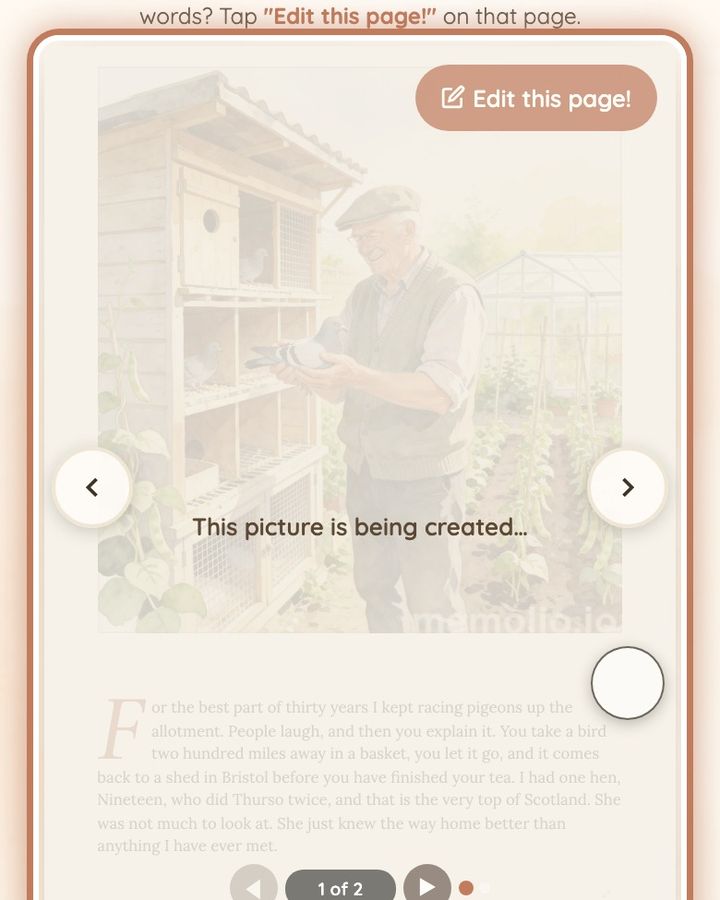
10 seconds · no sound
- After you tap or click the button, the window closes and your fix joins the queue.
- The banner at the top shows a picture is being made. Nothing is lost.
- Look at other pages meanwhile. It usually takes a minute or two.
- Don't send the same fix again. The new picture appears by itself.
If the banner has gone and the page still shows the old picture, reload the page once. Then look for small arrows on the picture: if there is no new version, no fix was used and you can send it again. If a message says there was an error on that page, the picture was not changed, and our team has already been told automatically. Reload the page, check the arrows on the picture for a new version, and try once more. If you wrote words, put them a little differently. If you closed the page by mistake, open your book again: a fix that was still waiting its turn may need to be sent again. If your fixes went down but there is still no new picture after you reload the page, write to us at hello@memolio.io and tell us the page number.
Still stuck? Write to us at hello@memolio.io and tell us what you were trying to do.